
Réinitialiser le mot de passe#
Create a new password for your SEPAL account
In this article, learn how to:
access your SEPAL account by creating a new password
Si vous avez oublié le mot de passe de votre compte SEPAL vous pouvez le réinitialiser en prouvant que vous avez accès à l’adresse e-mail associée à votre compte.
A password may be recovered by submitting a request after following the directions located at one of the website’s signin forms.
Note
Resetting passwords is not possible without knowing and having access to the email address used to sign in to the platform. Before requesting a new account with SEPAL, please test all of your email accounts.
The password reset process can be performed in three steps:
Indiquez votre adresse e-mail.
Valider votre email de vérification.
Créer un nouveau mot de passe.
Provide email address#
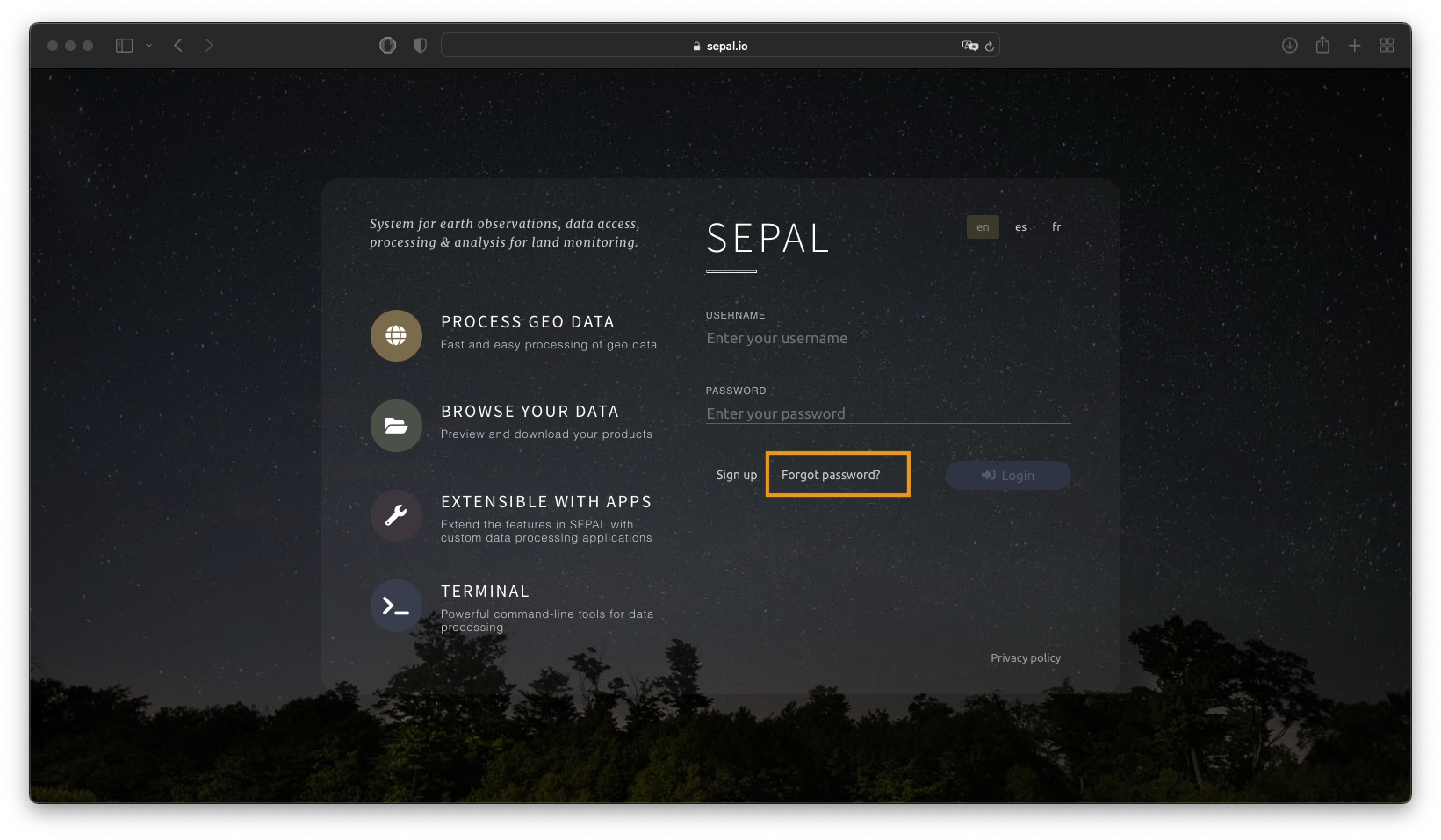
Sélectionnez Mot de passe oublié sur la page de destination SEPAL.
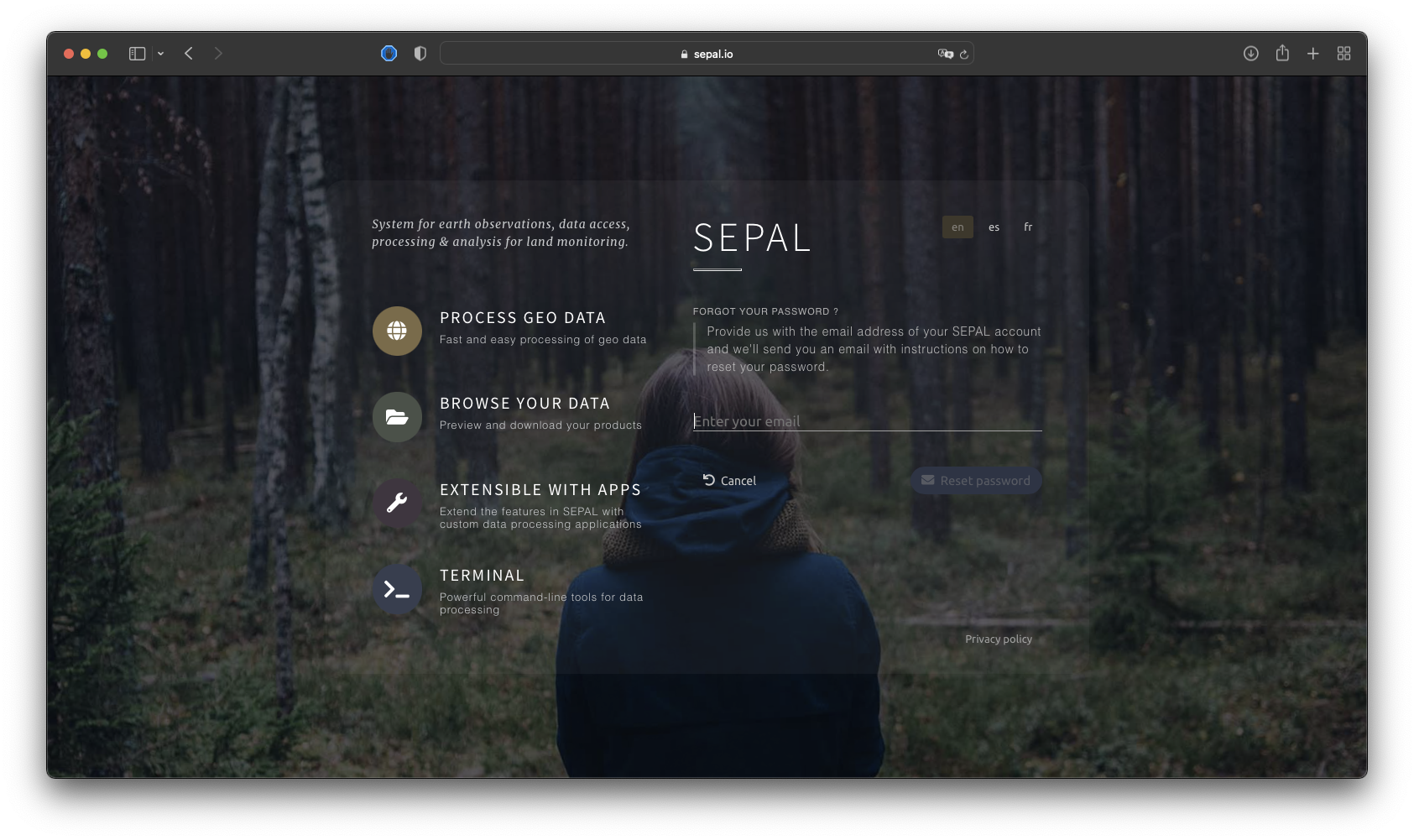
Entrez l’adresse e-mail que vous avez utilisée pour vous inscrire sur SEPAL, puis sélectionnez Réinitialiser le mot de passe.
Note
If the field becomes red, your email address was not found in the database. Be careful with typos and test multiple addresses, as you may have used another when you registered.
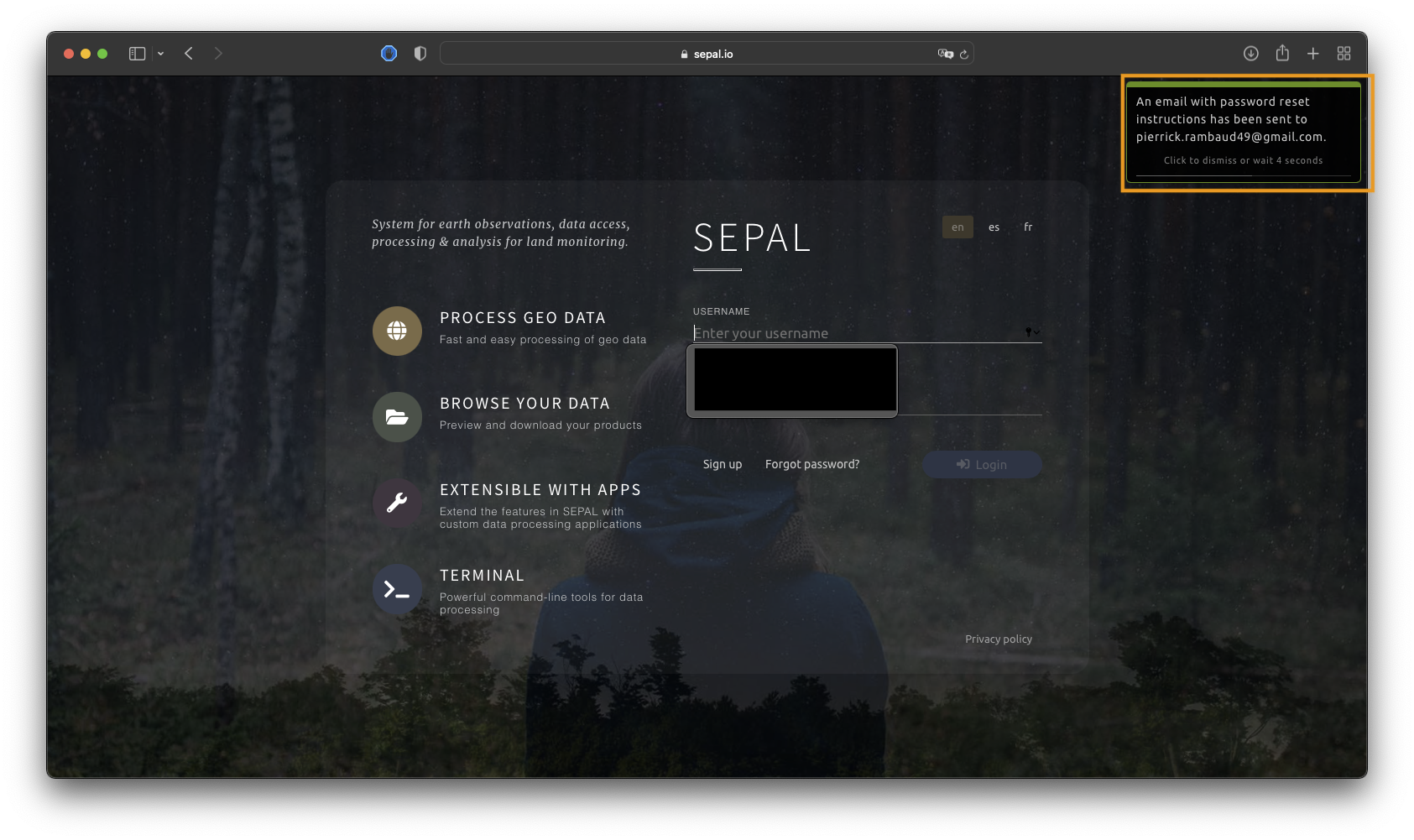
Une fois votre adresse e-mail validée, un e-mail de confirmation sera envoyé de SEPAL à votre compte e-mail associé. Le système de notification affichera un message contenant ces informations dans le coin supérieur droit de l’écran.
Complete email verification#
Pour réinitialiser votre mot de passe, SEPAL utilise un système de confirmation par e-mail car :
attackers cannot lock the accounts of other users by guessing their usernames and utilizing the forgotten password recovery function;
passwords cannot be read from your email account by potential attackers;
the reset links are only temporarily valid; and
after someone uses a password reset link, it becomes invalid and cannot be accessed again.
Pour toutes ces raisons, SEPAL vous enverra le courriel suivant.
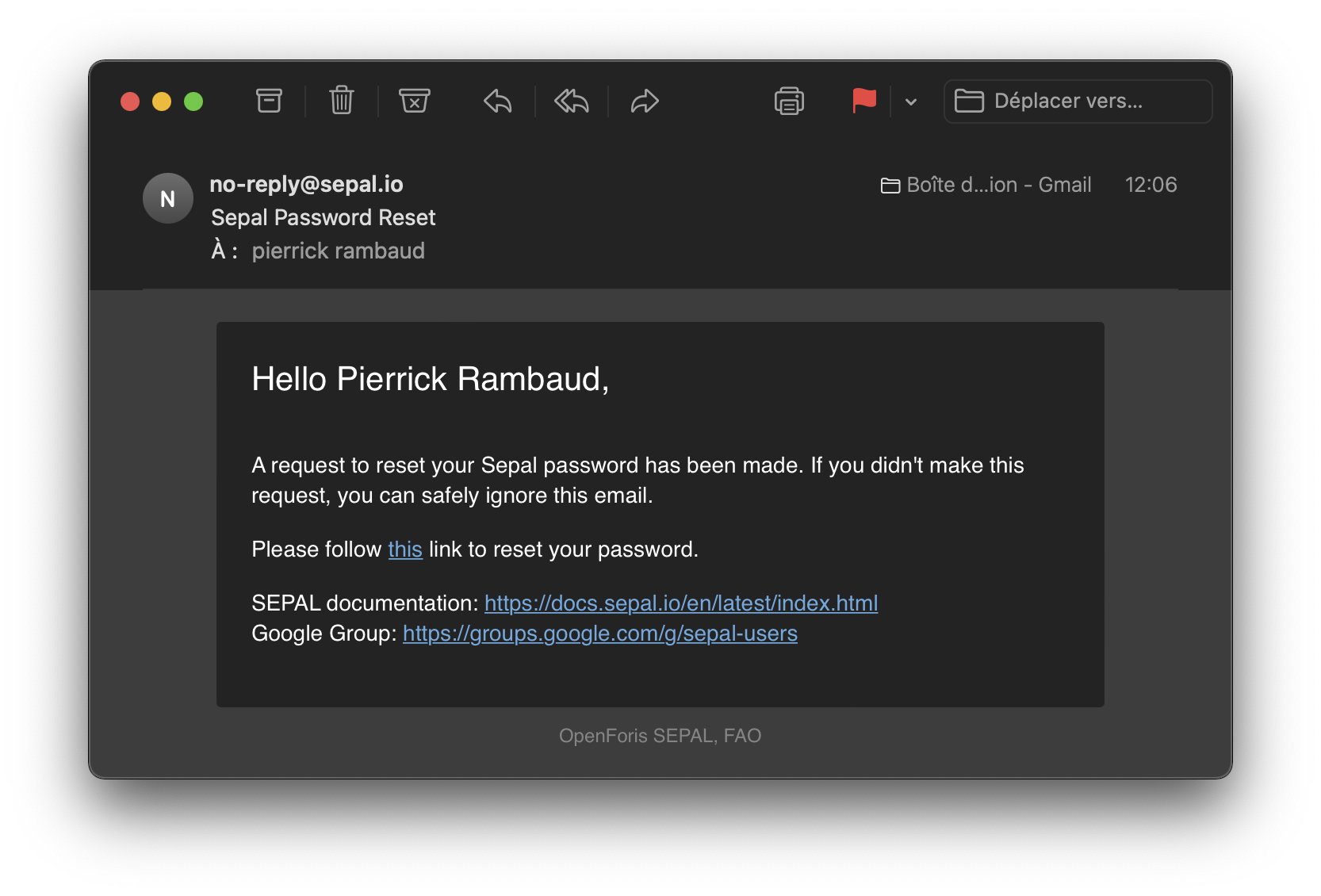
Suivez les instructions pour réinitialiser votre mot de passe sur une nouvelle page du navigateur.
Create new password#
In the Reset password form, three fields are available:
Username: the username associated with your email address in the database.
Note
Votre nom d’utilisateur ne peut pas être changé.
Password: your new password.
Confirm password: a security field where you need to provide your new password again.
Enter the new password in the Password and Confirm password fields (if the two fields are not exactly the same, the form cannot be validated).
Sélectionnez Définir le mot de passe pour valider votre nouveau mot de passe.
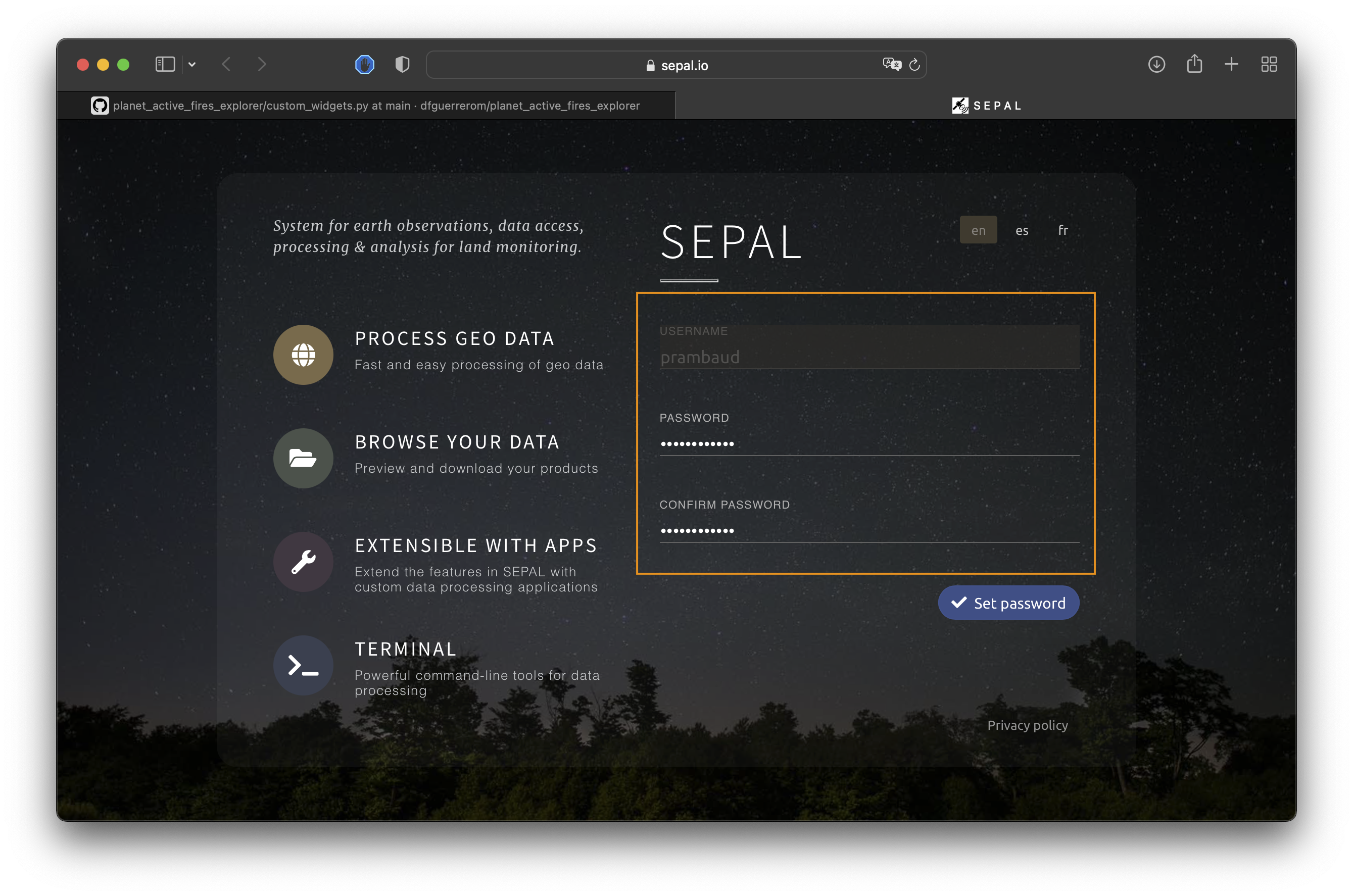
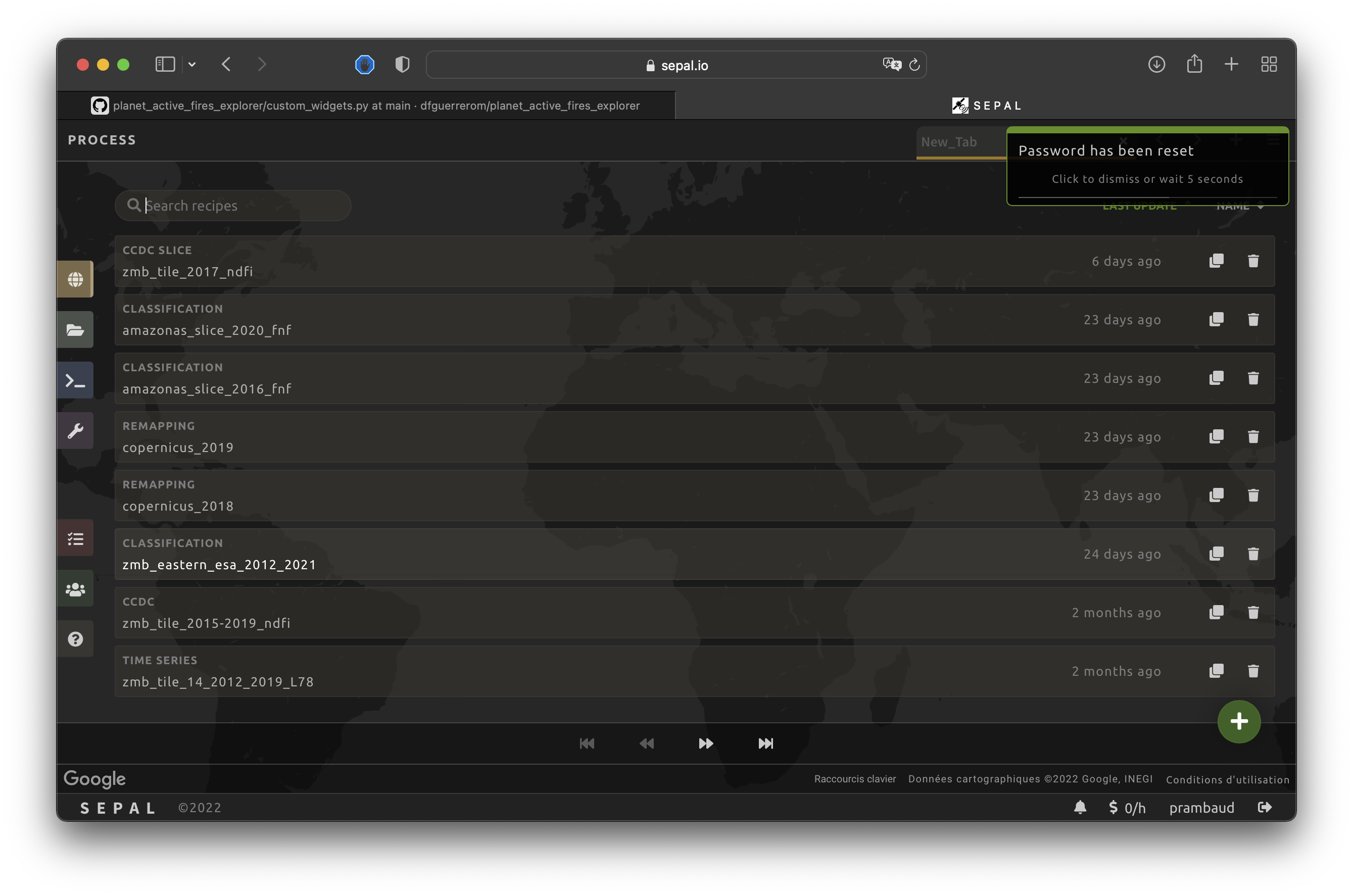
Once validated, the new password will be automatically updated on your account. The user will be authenticated and a notification will be displayed in the upper right.