

R code#
Utilisation#
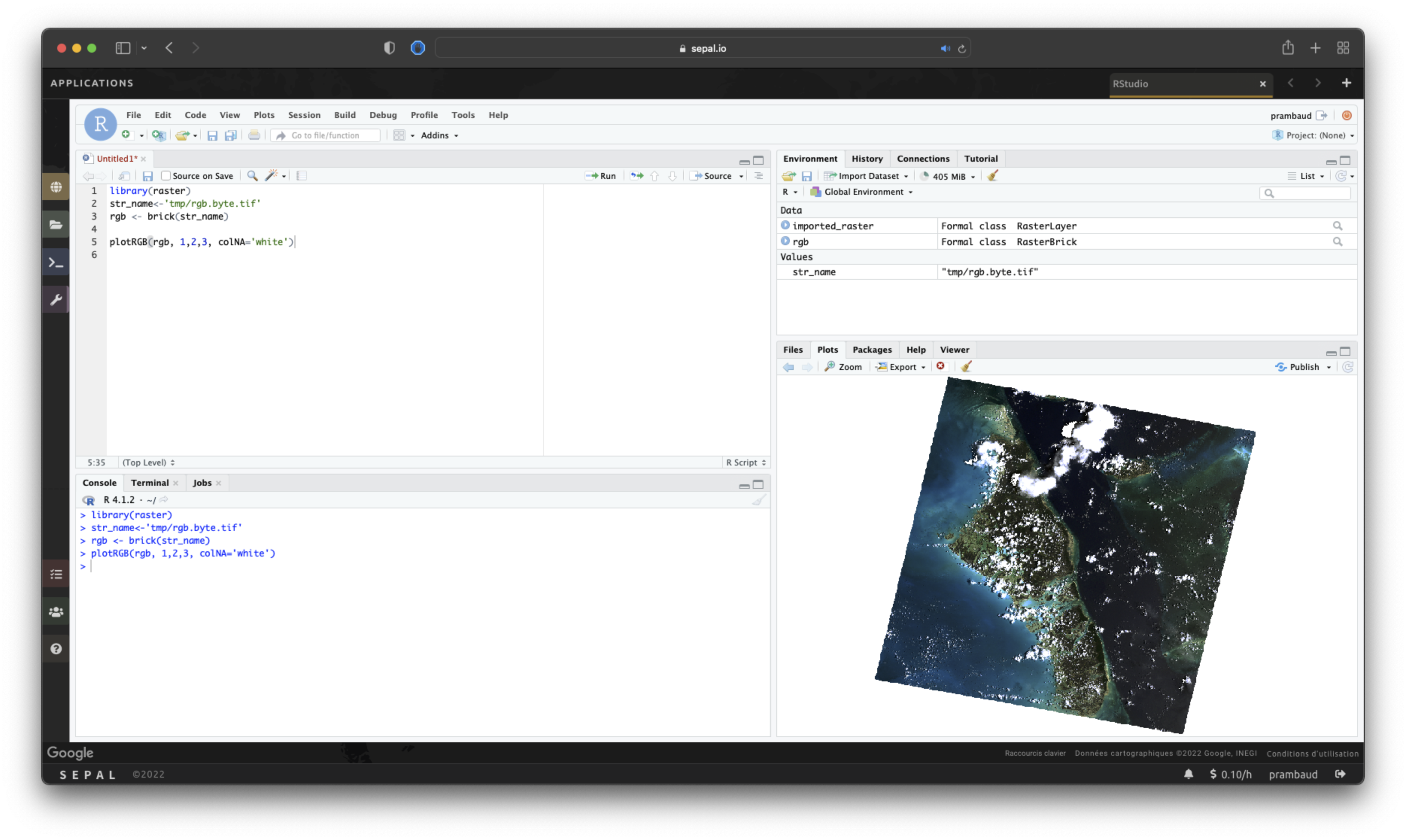
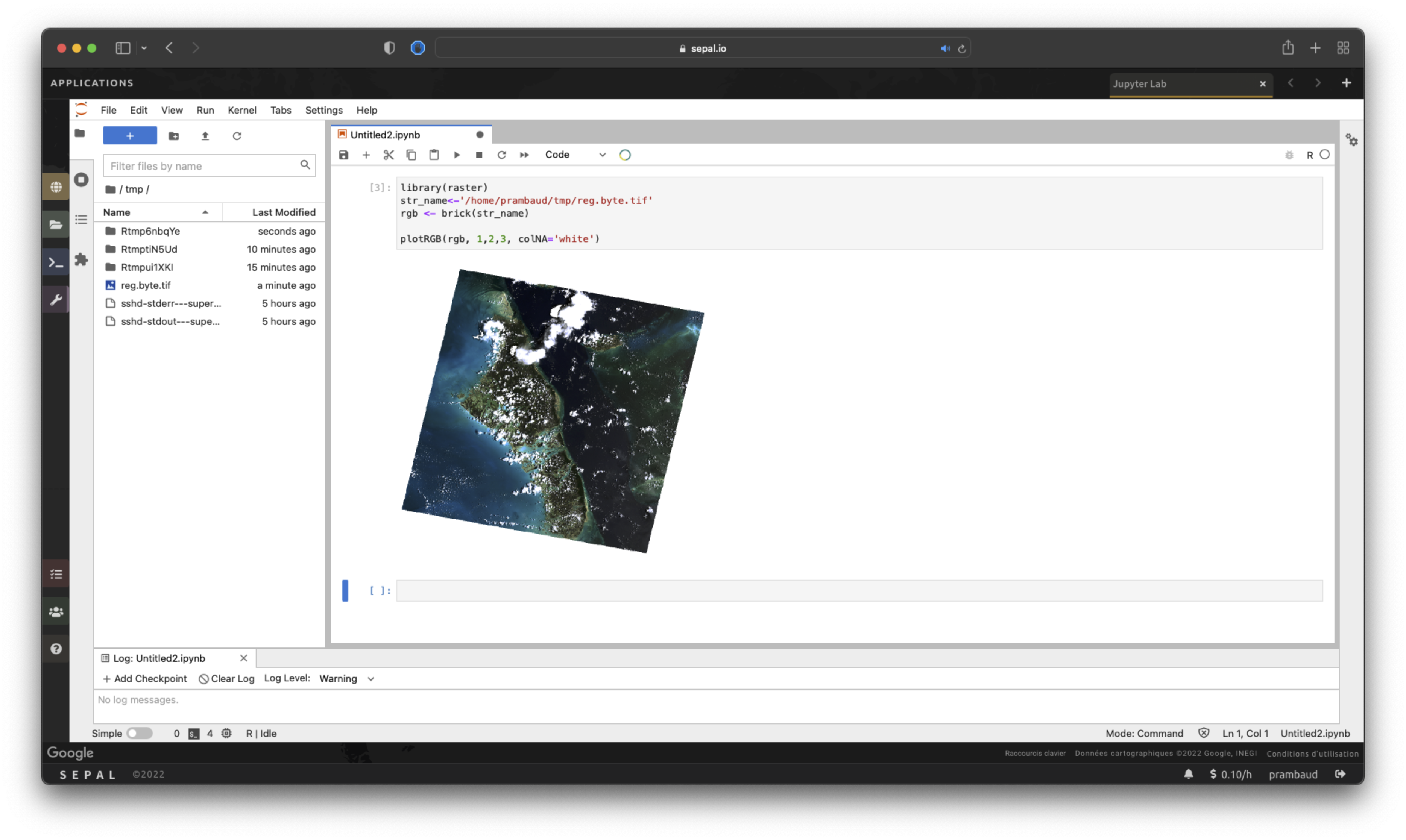
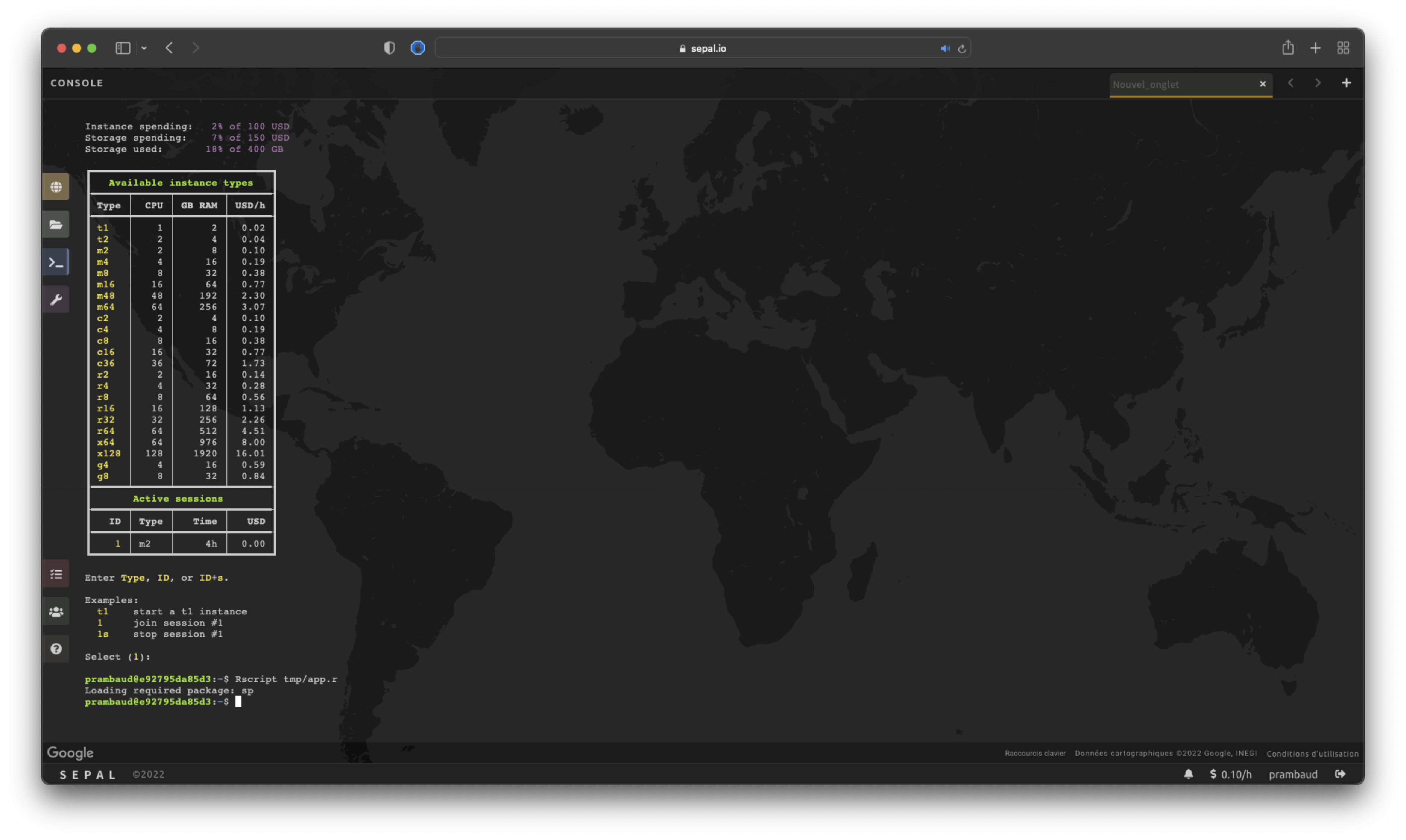
SEPAL instances run on focal Ubuntu machines, providing a fully functional R 4.1.2 environment that is accessible in RStudio, JupyterLab or the terminal.
Description#
L’environnement SEPAL R n’est pas vide ; il y a de nombreux paquets intégrés.
#!/bin/bash
set -e

echo
echo "*****************************"
echo "*** Installing R packages ***"
echo "*****************************"

export JAVA_HOME=/usr/local/lib/sdkman/candidates/java/current
export JAVA_CPPFLAGS="-I${JAVA_HOME}/include -I${JAVA_HOME}/include/linux"
export JAVA_LD_LIBRARY_PATH=${JAVA_HOME}/lib/server:${JAVA_HOME}/lib

R CMD javareconf

R -e "install.packages(c(\
        'abind',\
        'askpass',\
        'assertthat',\
        'backports',\
        'base64enc',\
        'BH',\
        'BiodiversityR',\
        'BIOMASS',\
        'bit',\
        'bit64',\
        'blob',\
        'brew',\
        'broom',\
        'callr',\
        'car',\
        'caret',\
        'cellranger',\
        'chron',\
        'classInt',\
        'cli',\
        'clipr',\
        'collapsibleTree',\
        'colorspace',\
        'colourpicker',\
        'corrplot',\
        'countrycode',\
        'crayon',\
        'curl',\
        'data.table',\
        'DBI',\
        'DBItest',\
        'dbplyr',\
        'desc',\
        'devtools',\
        'DiagrammeR',\
        'dichromat',\
        'digest',\
        'dismo',\
        'doMC',\
        'doParallel',\
        'downloader',\
        'dplyr',\
        'DT',\
        'e1071',\
        'ellipsis',\
        'evaluate',\
        'evir',\
        'expss',\
        'fansi',\
        'fasterize',\
        'feather',\
        'filehash',\
        'forcats',\
        'foreach',\
        'forecast',\
        'foreign',\
        'formatR',\
        'formattable',\
        'Formula',\
        'fs',\
        'future',\
        'generics',\
        'geoR',\
        'geosphere',\
        'ggalluvial',\
        'ggExtra',\
        'ggfortify',\
        'ggmap',\
        'ggplot2',\
        'ggrepel',\
        'ggthemes',\
        'ggthemr',\
        'GISTools',\
        'glmnet',\
        'globals',\
        'glue',\
        'googleVis',\
        'gpclib',\
        'grid',\
        'gridExtra',\
        'gsubfn',\
        'gtable',\
        'haven',\
        'hexbin',\
        'highr',\
        'Hmisc',\
        'hms',\
        'htmltools',\
        'htmlwidgets',\
        'httpuv',\
        'httr',\
        'igraph',\
        'influenceR',\
        'iterators',\
        'jpeg',\
        'jsonlite',\
        'kableExtra',\
        'keras',\
        'knitr',\
        'labeling',\
        'later',\
        'lattice',\
        'latticeExtra',\
        'lazyeval',\
        'leafem',\
        'leaflet',\
        'leaflet.extras',\
        'lifecycle',\
        'listenv',\
        'littler',\
        'lme4',\
        'lmfor',\
        'lubridate',\
        'magick',\
        'magrittr',\
        'manipulate',\
        'mapproj',\
        'maps',\
        'maptools',\
        'mapview',\
        'markdown',\
        'MASS',\
        'memoise',\
        'mgcv',\
        'mime',\
        'miniUI',\
        'missForest',\
        'mockery',\
        'mockr',\
        'modelr',\
        'moments',\
        'multcomp',\
        'multicore',\
        'munsell',\
        'ncdf4',\
        'networkD3',\
        'nlme',\
        'nlstools',\
        'openssl',\
        'outliers',\
        'pacman',\
        'parallel',\
        'party',\
        'permutate',\
        'pillar',\
        'pkgconfig',\
        'pkgdown',\
        'pkgKitten',\
        'plotly',\
        'plyr',\
        'png',\
        'PracTools',\
        'praise',\
        'prettycode',\
        'prettyunits',\
        'processx',\
        'progress',\
        'promises',\
        'proto',\
        'ps',\
        'purrr',\
        'quantmod',\
        'R6',\
        'ragg',\
        'random',\
        'randomForest',\
        'raster',\
        'rasterVis',\
        'rclipboard',\
        'RColorBrewer',\
        'Rcpp',\
        'RcppArmadillo',\
        'RcppEigen',\
        'RCurl',\
        'readr',\
        'readxl',\
        'rematch',\
        'rematch2',\
        'rentrez',\
        'reprex',\
        'reshape',\
        'reshape2',\
        'reticulate',\
        'rgbif',\
        'rgexf',\
        'RgoogleMaps',\
        'rhandsontable',\
        'rJava',\
        'rknn',\
        'rlang',\
        'rmarkdown',\
        'Rmpi',\
        'Rook',\
        'rpart',\
        'rpart.plot',\
        'RPostgreSQL',\
        'rprojroot',\
        'rsconnect',\
        'RSQLite',\
        'RStoolbox',\
        'rstudioapi',\
        'rticles',\
        'RUnit',\
        'rvest',\
        'Rweka',\
        'rworldmap',\
        'samplingbook',\
        'scales',\
        'selectr',\
        'sf',\
        'shiny',\
        'shinyBS',\
        'shinycssloaders',\
        'shinydashboard',\
        'shinyFiles',\
        'shinyjs',\
        'skimr',\
        'snow',\
        'sourcetools',\
        'sp',\
        'spatial',\
        'splines',\
        'sqldf',\
        'stats',\
        'stats4',\
        'stringi',\
        'stringr',\
        'styler',\
        'summarytools',\
        'survival',\
        'sys',\
        'taxize',\
        'Taxonstand',\
        'testit',\
        'testthat',\
        'textclean',\
        'textshaping',\
        'tibble',\
        'tictoc',\
        'tidyr',\
        'tidyselect',\
        'tidyverse',\
        'tigris',\
        'tikzDevice',\
        'tint',\
        'tinytex',\
        'tools',\
        'treemap',\
        'tufte',\
        'units',\
        'UpSetR',\
        'urltools',\
        'utf8',\
        'utils',\
        'vcd',\
        'vctrs',\
        'vegan',\
        'viridis',\
        'viridisLite',\
        'visNetwork',\
        'vtree',\
        'webshot',\
        'whisker',\
        'withr',\
        'WorldFlora',\
        'writexl',\
        'xfun',\
        'XLConnect',\
        'xlsx',\
        'xlsxjars',\
        'XML',\
        'xml2',\
        'xtable',\
        'xts',\
        'yaml',\
        'zeallot',\
        'zoo'
    ), repos='http://r-proxy:8180/')"

# Install archived packages - this doesn't work through r-proxy
R -e "install.packages('https://cran.r-project.org/src/contrib/Archive/rgdal/rgdal_1.6-7.tar.gz')"
R -e "install.packages('https://cran.r-project.org/src/contrib/Archive/rgeos/rgeos_0.6-4.tar.gz')"

R -e "install.packages('remotes', dependencies=TRUE, repos='http://r-proxy:8180/')"

R -e "remotes::install_url(c(\
        'http://r-proxy:8180/github/r-barnes/dggridR/archive/refs/heads/master.tar.gz',\
        'http://r-proxy:8180/github/bfast2/bfast/archive/refs/heads/master.tar.gz',\
        'http://r-proxy:8180/github/azvoleff/gfcanalysis/archive/refs/heads/master.tar.gz',\
        'http://r-proxy:8180/github/loicdtx/bfastSpatial/archive/refs/heads/master.tar.gz',\
        'http://r-proxy:8180/github/jreiche/bayts/archive/refs/heads/master.tar.gz',\
        'http://r-proxy:8180/github/cran/gdalUtils/archive/refs/heads/master.tar.gz'\
    ), repos='http://r-proxy:8180/', build = FALSE)"
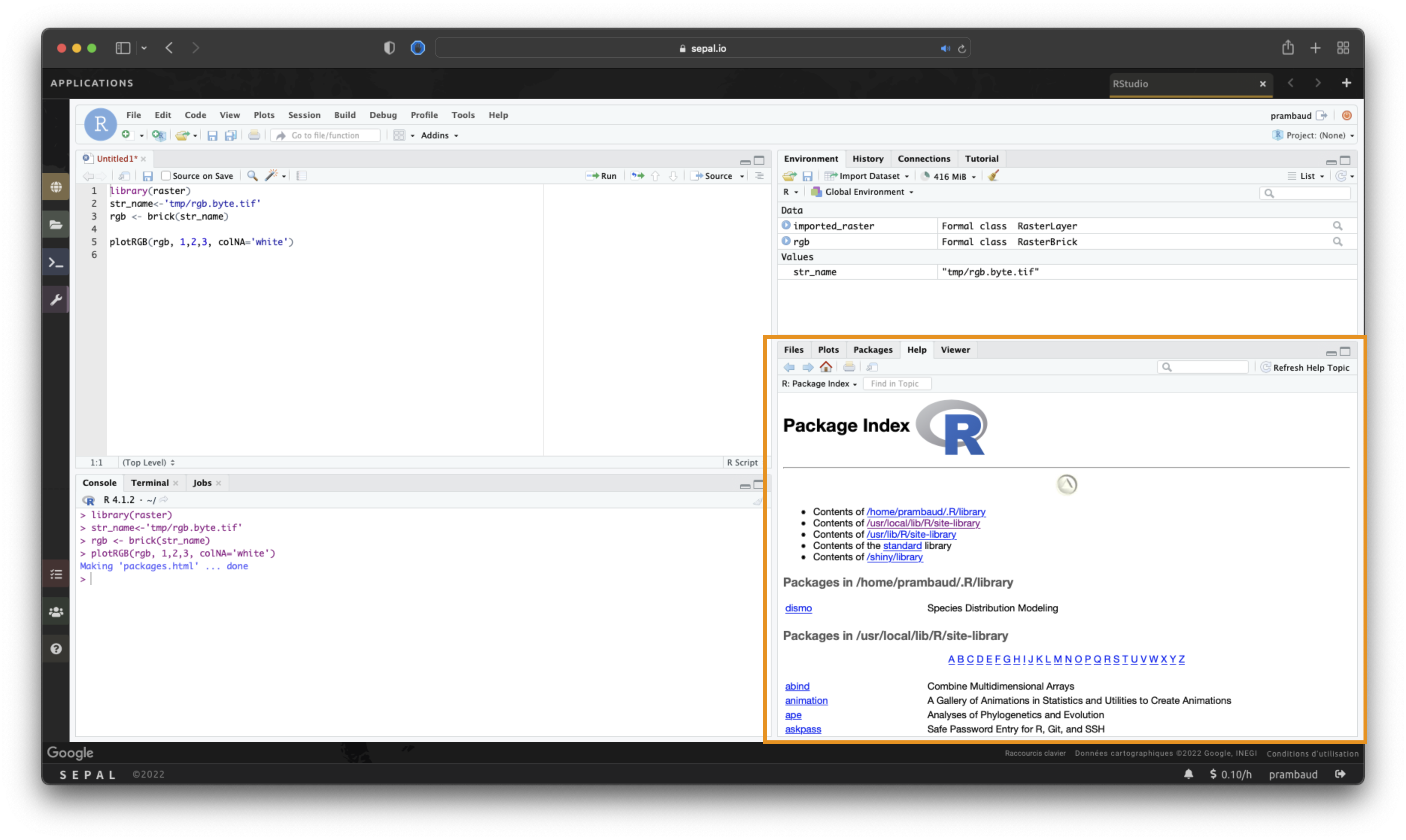
Pour vérifier la disponibilité d’un package spécifique :
# Open RStudio.
# Go to Help > R Help.
# In the open Help pane, select Reference > Packages.
Personnalisation#
The SEPAL environment can be customized to user needs by utilizing third-party packages and CRAN in RStudio.
install.packages("vioplot")
Note
Si vous rencontrez des problèmes de compatibilité lors de la personnalisation de votre environnement SEPAL, contactez l’équipe SEPAL dans le Github issue tracker.